2026-07-17
OpenClaw Multi-Agent Setup: Add Workers Only for Real Boundaries
A current host probe shows how bindings, state, sandbox policy, tool authority, subagents, canaries, and rollback determine whether an OpenClaw worker should exist.
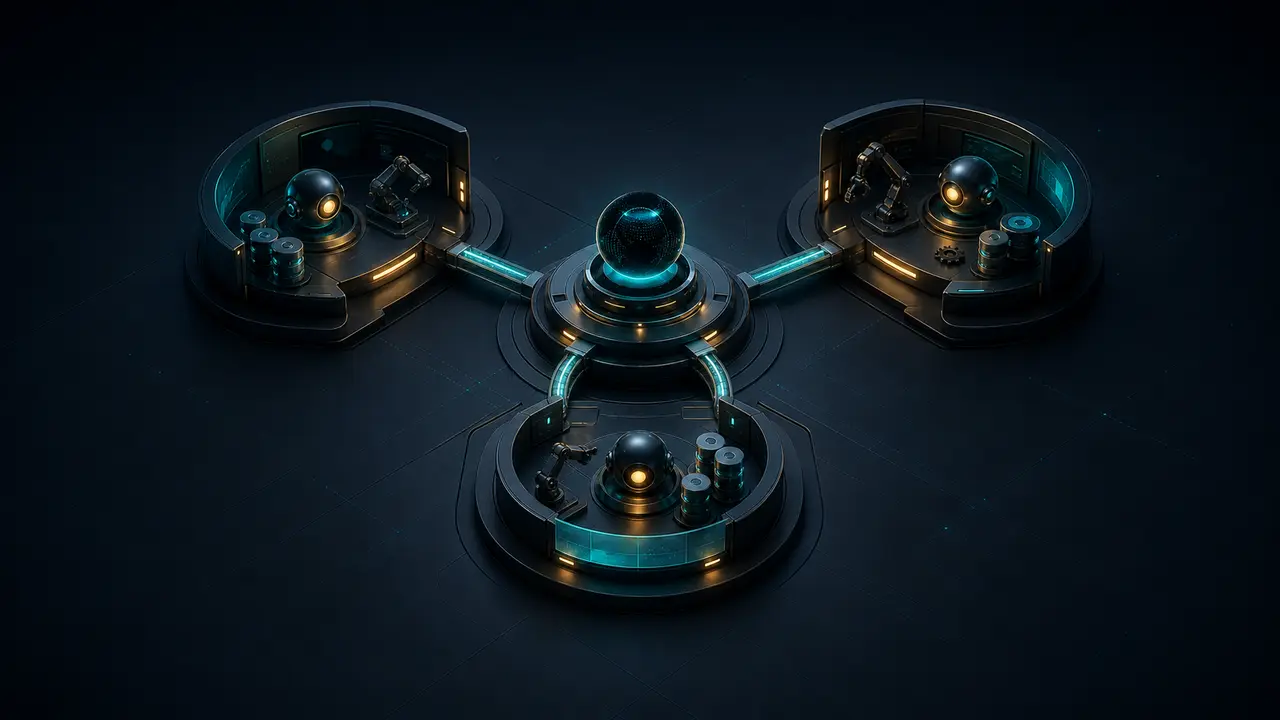
The OpenClaw host inspected for this article does not have a manager-and-worker team. On version 2026.7.1-2, openclaw agents list --bindings --json returned one default agent, main, and the route summary default (no explicit rules). openclaw agents bindings --json returned an empty array. The runtime agent allowlist also exposed only main.
A read-only repeat on 23 July 2026 returned the same topology: one persistent main identity, zero explicit bindings, a valid configuration with no warnings, and the default fall-through route. The repeat changed no agent, route, credential, workspace, or policy.
That result is more useful than a decorative three-agent diagram.
It establishes the current ownership model: every inbound route falls through to one agent, and there is no configured research or implementation identity to delegate to. Before adding workers, an operator should be able to name the routing conflict, credential boundary, memory boundary, or approval boundary that the new agent will own.
An OpenClaw multi-agent setup is not a chat with several model names.
A persistent agent has its own workspace, agent directory, auth state, and SQLite-backed sessions. A binding gives that identity ownership of an inbound source. A subagent is a separate, temporary run created by a parent. Those are different mechanisms, with different failure records.
Requirements a persistent worker must satisfy
“Manager, researcher, implementer” sounds organized, but job titles are not boundaries. If all three identities can read the same host, call the same tools, receive the same channel, and use the same credentials, the team has multiplied ambiguity without reducing risk.
A persistent worker earns its state when at least one of these statements is true:
- one channel account or peer needs a stable owner that is not the default agent;
- the role needs a separate auth store or a deliberately different model/provider policy;
- its session history must remain outside the manager’s ordinary conversation;
- its workspace and sandbox need a different filesystem boundary;
- humans must address the role directly and know which identity answered.
A bounded source check, test run, or independent review usually does not meet that bar. It is temporary work. A subagent can perform it in its own session and report back to the requester without creating another permanent inbox.
If the only reason for a worker is “the manager has too much to do,” start with a subagent. If the reason is “this work needs different authority or routing,” consider a persistent agent.
The empty binding table is a useful topology
The current configuration passed openclaw config validate --json without warnings. Its effective agent list is still singular: the implicit main identity uses /root/.openclaw/workspace, stores state under /root/.openclaw/agents/main/agent, and owns the default route because no binding is more specific.
The sandbox explanation matters more than the name.
openclaw sandbox explain --agent main --json reported mode: "off", workspaceAccess: "rw", and sessionIsSandboxed: false. The runtime working directory is the host workspace. This is acceptable for a trusted operator agent on this machine; it would be a reckless template for a public research worker.
The repeat probe also counted 14 names in the effective allow surface and 29 denied tool or channel categories. Those counts describe this host at inspection time; they are evidence to save with the change record, not defaults to copy into another worker.
The command also illustrates a subtle point: a workspace is the default working directory, not a hard boundary. With sandboxing off, an agent can reach paths allowed to the operating-system user. A second workspace changes context and state ownership, but it does not create containment by itself.
Current decision: keep this host single-agent. No second channel owner, isolated credential set, or approved worker policy was part of this remediation. Creating placeholder workers would add state that nobody is responsible for testing.
Four state boundaries, one authority decision
OpenClaw’s multi-agent contract separates core state in four places:
| Boundary | What changes per agent | What it does not guarantee |
|---|---|---|
| Workspace | Bootstrap files, persona, local notes, and default working directory | Host filesystem isolation when sandboxing is off |
agentDir | Auth profiles, model registry, and per-agent runtime state | Independent OAuth identity if the secondary agent relies on main-agent read-through |
| Session store | Conversation history and routing state under the agent’s own SQLite database | Secrecy from explicitly enabled cross-session or plugin features |
| Bindings | Ownership of matching channel/account/peer traffic | Tool restriction, sandboxing, or approval policy |
Never point two identities at one agentDir.
That directory is not a shared team folder; it contains identity and auth state.
OpenClaw can read through to the default agent’s matching auth profile when a secondary profile is absent, but OAuth refresh material is not simply copied into every worker.
A worker that truly represents another account needs its own sign-in and ownership record.
Skills deserve the same precision. agents.defaults.skills can define a shared baseline, while agents.list[].skills is a replacement for that agent, not an additive list. A local override that names one specialist skill can unintentionally hide the defaults.
Failure modes hidden by a manager-worker diagram
A useful manager is not the worker with the broadest credentials.
It is the identity that decides who owns the request, reduces the brief, and assembles the result. For high-impact work, it also preserves the human approval boundary before publication, deployment, messaging, spending, or deletion.
The manager should hand over a small work packet:
objective: Compare the two supported routing designs.
inputs:
  - current-bindings.json
  - channel-probe.json
return:
  - decision.md
constraints:
  - no config writes
  - no outbound messages
done_when:
  - ownership, fallback, and rollback are explicit
The worker returns an artifact, not a new conversation for the manager to interpret.
The packet should contain source URLs, versions, exact commands or file paths, the result, uncertainty, and one failure or tradeoff. That makes the handoff reviewable after the child session is gone.
A manager that forwards its entire transcript has not delegated; it has exported ambiguity. The worker must discover which parts are instructions, which are untrusted content, and which are stale discussion. A five-field contract is usually safer than five thousand tokens of history.
Bindings decide who receives the interruption
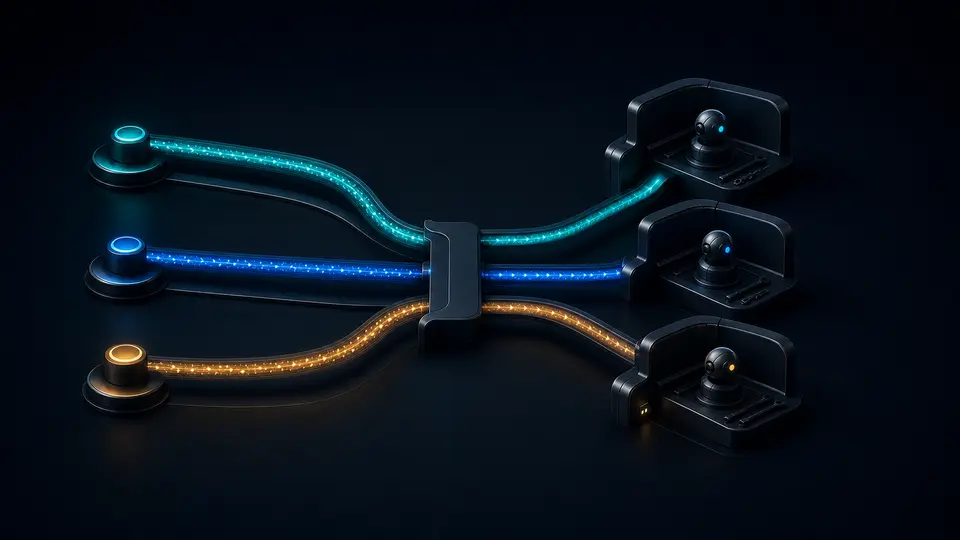
Bindings route inbound traffic to persistent agents.
They are deterministic and ordered by specificity: an exact peer beats a broader account or channel rule, and the first matching entry wins within the same tier. A binding that omits accountId covers the channel’s default account, not every account; accountId: "*" is the explicit channel-wide fallback.
This means a “manager” cannot own intake merely because a prompt says so. The routing table must deliver the intended source to that agent. The smallest useful inspection is:
openclaw agents list --bindings --json
openclaw agents bindings --json
openclaw channels status --probe
On the inspected host, the first command showed main with zero bindings and the default fallback route; the second returned []. That is a coherent single-agent design. Adding a worker without a binding would not create a second inbox. Adding two equally specific bindings would create config-order ownership that is easy to miss in a diagram.
A production routing record should name the exact channel, account, optional peer, winning agent, fallback behavior, and one probe message. It should also record the negative case: a nearby account or peer that must continue routing elsewhere.
Testing policy where workspace assumptions fail
Tool policy controls which OpenClaw tools the model may call. Sandbox policy controls where supported tools execute and which workspace paths they can see. Operating-system permissions and secret placement add another layer. None substitutes for the others.
For example, disabling write, edit, and apply_patch does not make a role read-only if exec remains available on a writable filesystem. A shell can write files. A research worker intended to be read-only should deny exec and process, or run inside a sandbox whose workspace is mounted ro or not mounted at all.
The following is a review sketch for a future worker, not the live configuration:
{
  agents: {
    list: [
      {
        id: "research",
        workspace: "~/.openclaw/workspace-research",
        sandbox: {
          mode: "all",
          scope: "agent",
          workspaceAccess: "ro"
        },
        tools: {
          allow: ["read", "web_search", "web_fetch"],
          deny: ["exec", "process", "write", "edit", "apply_patch", "message"]
        }
      }
    ]
  }
}
The exact callable web tools depend on the installed plugins and runtime. An explicit allowlist that resolves to no tools fails loudly before the model runs. That is preferable to silently launching a text-only worker and assuming it gathered evidence.
After configuration, use openclaw sandbox explain --agent research --json to inspect the effective result. Do not stop at reading the config file. Provider-specific policy, global deny rules, per-agent policy, sandbox policy, and subagent policy are applied in sequence; a later layer can restrict an earlier one but cannot resurrect a denied tool.
Temporary fan-out belongs outside the org chart
A harmless CLI check exposed a common documentation mistake. openclaw subagents --help did not list a management command; it returned “Unknown command” and suggested openclaw agents. Subagents are controlled from an agent run through sessions_spawn and inspected in chat with /subagents. The top-level openclaw agents CLI manages persistent identities.
The runtime allowlist on this host returned one configured target: main. allowAny was false. So a request to spawn an invented research agent ID should not be treated as team setup; that target does not exist or pass the allowlist.
Each native subagent receives its own session key, reports back to its requester, and lacks session and messaging tools by default. It also consumes its own context and tokens. Use isolated context unless the child genuinely needs the requester transcript. Set a bounded output and let the parent own the visible response.
| Mechanism | Lifetime | Routing | Best evidence |
|---|---|---|---|
| Persistent agent | Durable identity and state | Configured bindings or explicit target | Agent list, binding resolution, sandbox explanation, auth owner |
| Native subagent | One background run or bound child session | Spawned by parent; announces back | Task ID, child session, artifact, terminal state |
| External ACP session | Harness-owned run or persistent conversation | Explicit ACP runtime and optional binding | Harness session ID, cwd, binding, terminal result |
These mechanisms can cooperate, but they should not be collapsed into one “multi-agent” switch. A persistent research identity may itself spawn a temporary reviewer. A manager may launch an ACP coding harness for a repository task. The ownership and audit record remain different.
A rollout ledger should contain one failed canary
Creating three entries and seeing them in agents list proves only that configuration loaded. A useful rollout includes one test per boundary and saves the result:
- Identity: each persistent agent resolves to a unique workspace,
agentDir, and session store. - Routing: one canary arrives through each intended binding; a nearby account or peer does not.
- Filesystem: the worker can read the approved path and cannot read or write an adjacent protected path.
- Tools: one allowed tool succeeds; one denied harmless operation is blocked by policy.
- Credentials: the worker can use only its owned profile and cannot rely on an accidental shared secret.
- Handoff: the manager receives the requested artifact and preserves its uncertainty rather than inventing missing results.
- Approval: the worker can prepare a high-impact action but cannot perform it without the explicitly authorized owner.
- Failure: a timed-out or failed child produces one observable terminal record and no duplicate external side effect.
Do not “test” isolation by removing a live channel credential or breaking a production binding. Use a test account, disposable path, denied command, and delivery-disabled destination. Negative probes are valuable only when their blast radius is bounded.
One worker is enough for the first cutover
For the inspected host, the next move is not to create three agents. The next move is to wait for a concrete second boundary. When one appears, add a single worker and keep the existing default route unchanged.
A controlled change record would look like this:
- state the source or work type that the worker owns;
- create a unique workspace and agent directory with the supported
openclaw agents addcommand; - set sandbox, workspace access, tools, skills, and auth ownership before adding a public route;
- validate config and inspect the effective sandbox/tool result;
- add one exact binding or an explicit spawn allowlist;
- run the positive and negative canaries;
- record rollback: remove the binding first, then retire the agent state only after sessions and artifacts are preserved.
If that worker never receives a stable route and only performs occasional bounded jobs, retire the persistent identity and use subagents. If the worker needs broader tools than the manager, reconsider the design: specialization should normally reduce authority, not become a route around approval.
The governing rule is simple: create an agent for a boundary, not for a label. OpenClaw supplies isolated state, deterministic bindings, per-agent sandbox and tool policy, and temporary child runs. The operator still has to prove who owns each message, credential, artifact, and side effect.
If your team needs durable workers without maintaining every host workspace, auth store, routing rule, sandbox, and session database, deploy an AI agent on GolemWorkers. The related tool-policy teardown, channel-routing field note, and security audit guide cover the boundaries around a multi-agent team.
Source record and limits of this inspection
- OpenClaw multi-agent routing — per-agent workspace, state, auth, sessions, binding precedence, and the single-agent default.
- OpenClaw agents CLI — supported list, add, bind, unbind, identity, and deletion operations.
- OpenClaw multi-agent sandbox and tools — policy precedence, workspace limits, read-only pitfalls, and effective-boundary testing.
- OpenClaw subagents — child-session lifecycle, allowlists, context, tool restrictions, announcement, and cost.
- OpenClaw sandbox CLI — effective sandbox and tool-policy explanation for a selected agent.