2026-07-20
OpenClaw Pairing: Three Receipts, Not One Green Badge
Diagnose OpenClaw sender, device, and node-command pairing by matching the exact receipt, authority delta, request ID, and denied-path test.
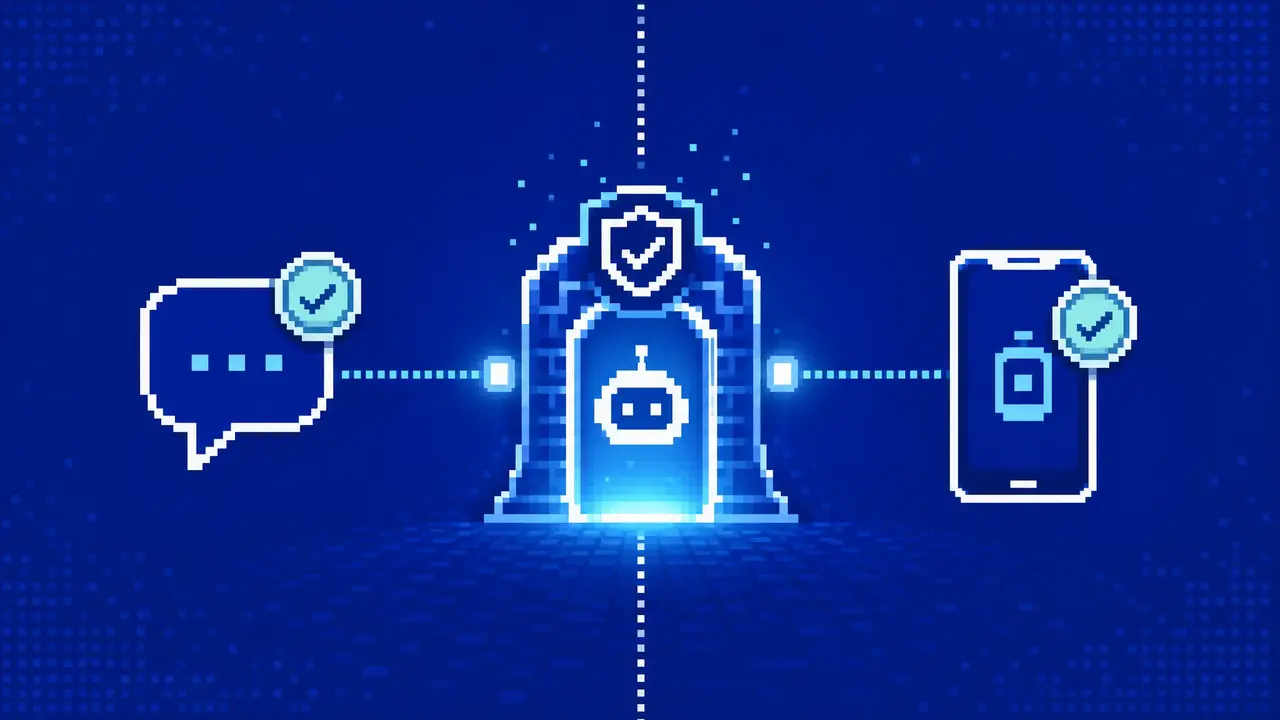
A sender can be paired while group commands remain denied. A phone can be paired while its node commands remain unavailable. A browser can even show an old approval while the Gateway is waiting on a replacement request with a different public key. In each case, “pairing is broken” names the wrong problem.
On the inspected OpenClaw 2026.7.1-2 release, pairing is better understood as a set of narrow receipts. One admits a chat sender. Another binds a signed device identity to approved roles and scopes. A node then has a separate, Gateway-owned decision about its command surface. The operator’s job is to find the missing receipt without widening an unrelated boundary.
The current contract differs from older runbooks. DM approvals are kept in account-scoped credential files, device approvals in the device store, and node command pairing in its own Gateway-owned store. The shipped openclaw qr command also has no --limited option; setup-code bootstrap is already bounded and does not grant operator.admin.
A green “paired” badge can answer the wrong question
Sender receipt
May this channel identity start a direct conversation with the agent?
Device receipt
May this signed device identity connect with these roles and operator scopes?
Node-command receipt
Which declared node commands may become visible after the device connects?
These receipts do not substitute for one another. DM pairing does not authorize a group. Device pairing authenticates the WebSocket identity, but current nodes also need the separate node-pairing decision before their declared commands become available. Even then, Gateway command policy and node-host execution approvals can still deny an invocation.
| Question to answer | Inspect here | Approval handle | Durable boundary |
|---|---|---|---|
| May this person DM the bot? | openclaw pairing list <channel> --account <id> | Eight-character sender code | Account-scoped channel allowlist under ~/.openclaw/credentials/ |
| May this client connect? | openclaw devices list | Exact current requestId | Approved roles, scopes, public key, and device tokens under ~/.openclaw/devices/ |
| May this node expose commands? | openclaw nodes pending and openclaw nodes status | Current node-pairing request | Gateway-owned node command and capability approval |
The table is deliberately ordered by the decision being made, not by which screen happened to display an alert. Start with the failed behavior. If an unknown Telegram user cannot open a DM, device records are irrelevant. If a paired phone appears in devices list but camera.list is unavailable, approving another sender code cannot help.
The sender receipt controls admission, not authority everywhere
With a channel’s dmPolicy set to pairing, an unknown sender receives a short code and the triggering message is not processed. Approval allows a later message through; it does not replay the untrusted text that created the request. Codes are eight uppercase characters without 0O1I, expire after one hour, and are capped at three pending requests per channel account.
openclaw pairing list telegram --account work --json
openclaw pairing approve telegram <CODE> --account work --notify
The account coordinate matters. A code created against the work bot will not appear in the default account’s request list. Verify the person through a path that already has identity assurance, then compare the durable sender ID—not the avatar or display name. The approval store is scoped by channel and account, which is exactly why “the code is missing” often turns out to be an account-selection error.

There are two easily missed consequences. First, a DM approval is not a group allowlist entry. Group admission continues to follow groupAllowFrom, per-group rules, or a referenced access group. Second, when no command owner exists, the first successful DM approval can bootstrap commands.ownerAllowFrom. Later approvals do not keep adding owners. If a sender can chat but cannot run an owner-only command, inspect ownership explicitly instead of re-pairing the DM.
Setup codes get a device to the desk
Mobile setup has a credential before it has a durable device contract. Control UI can create the code from an existing operator.admin session; the device-pair plugin can deliver the same path through /pair. The payload contains a Gateway route and a single-use bootstrap token that expires after ten minutes.
That bootstrap profile is intentionally narrower than an administrator session. It hands off the node role with no operator scopes and a bounded operator role with approval, read, talk-secret, and write scopes. It does not grant operator.admin. Official mobile apps may be approved automatically when their setup metadata matches; an unexpected pending request still deserves a role-and-scope review.
Transport is part of the credential. Remote setup should advertise wss://, commonly through Tailscale Serve or another authenticated HTTPS endpoint. Public hosts, .ts.net names, and tailnet CGNAT addresses fail closed when offered as plaintext ws:// setup routes. Do not weaken Gateway authentication to make a QR code scan.
Once the phone connects, invalidate unused setup codes with /pair cleanup. A setup code is not a convenient configuration snippet to paste into a ticket; while valid, it is a password-like bootstrap credential.
Validation starts with a perishable request ID
Device approval binds more than a friendly name. It covers the device identity, public key, requested role, and requested scopes. A reconnect that changes one of those authentication details supersedes the old pending entry and creates another requestId. An ID copied before the retry is no longer evidence about the current request.
openclaw devices list --json

# Deliberately previews and exits; it does not approve
openclaw devices approve --latest

# Approve only after matching the current request
openclaw devices approve <requestId>
The preview behavior is a useful safety rail. openclaw devices approve --latest prints the newest request and exits with code 1. It forces the operator to reissue the command with the exact ID. Preserve that two-action pause. “Latest” is a time ordering, not an identity check.
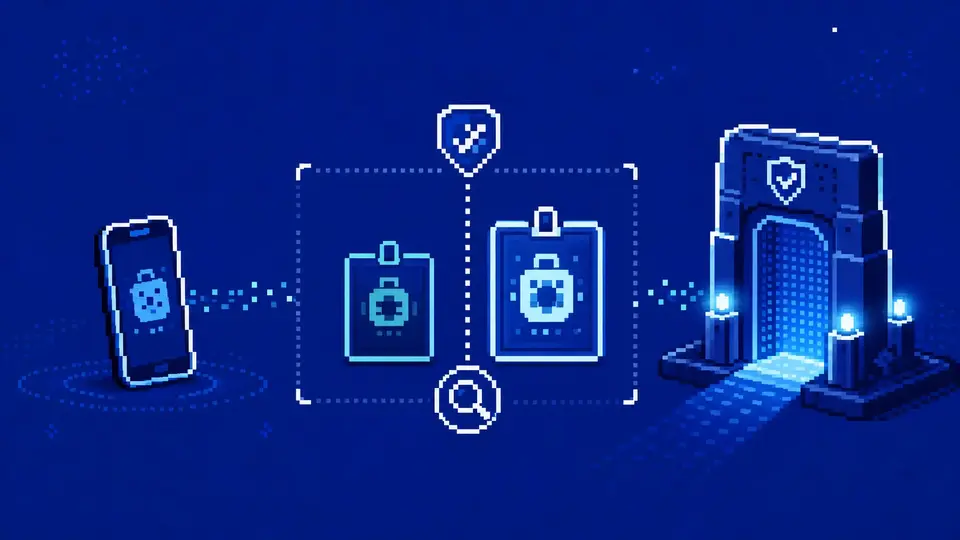
An already paired device keeps its existing access while a broader role or scope request waits. That makes recovery less dramatic: there is usually no reason to clear the entire device table. Re-list, compare Requested with Approved, and reject a request whose identity or delta cannot be explained.
Connected nodes have a second command boundary
A node can pass the device handshake and still be commandless. Device pairing grants the node role and authenticates the connection. The separate Gateway-owned node pairing store records the approved command or capability surface. Since OpenClaw 2026.3.31, node commands remain disabled until this second pairing is approved.
openclaw devices list
openclaw nodes pending
openclaw nodes status
openclaw nodes describe --node <id-or-name>
Approval is not the final word about execution. The node must declare a command, the approved surface must carry it, Gateway node policy must allow it, and host execution such as system.run remains subject to the node’s own exec approvals. This article stops at identity and command-surface admission; the OpenClaw nodes guide follows camera, screen, location, and remote-command policy beyond that point.
Do not repair a command denial by broadening device scopes. If the device is connected and the node role is present, inspect the node-pairing and command-policy receipts. A larger operator token cannot replace an unapproved node command surface.
Failure modes become obvious when the receipt is named
| Observed symptom | Likely missing or stale receipt | Next read-only move |
|---|---|---|
| A new DM gets a code but the agent never sees the message | The sender request is pending; the original message is intentionally withheld | List the exact channel and account, verify the sender out of band, then approve the current code |
| An approved DM works, but the same person is denied in a group | Group authorization was never granted | Inspect the group’s effective sender rules; do not repeat DM pairing |
| A browser or phone keeps producing another request ID | Role, scopes, public key, or client identity changed between retries | Re-list devices and compare the new request with the existing approved row |
AUTH_SCOPE_MISMATCH appears for a known device | The token is recognized but lacks the requested scope set | Review the explicit upgrade request; do not rotate the shared Gateway secret as a first response |
| A node is connected but its command is absent | Node command pairing, declaration, or Gateway policy is missing | Inspect pending/status/describe output and the command policy before touching device auth |
This backward reading is faster than clearing state because it preserves evidence. One account mismatch, expired code, superseded ID, or missing command receipt can be corrected without revoking unrelated clients. It also exposes documentation drift: if a runbook still sends every pairing problem to SQLite, or instructs readers to use openclaw qr --limited, it no longer describes the inspected release.
Revoke the narrowest authority that is wrong
Device recovery has explicit operations. Remove a lost device, revoke one role token, or rotate an already approved role token:
openclaw devices remove <deviceId>
openclaw devices revoke --device <deviceId> --role node
openclaw devices rotate --device <deviceId> --role operator
Rotation cannot mint a role that was never approved. A non-admin device-token caller is also limited to its own device and to scopes no broader than its current operator authority. Treat a returned replacement token as a secret and persist it only in the intended client.
DM sender removal is account- and channel-specific rather than a devices operation. The current openclaw pairing CLI exposes list and approve, not a universal revoke command. Inspect the effective channel allowFrom policy and the account-scoped approval store before changing it; do not delete every credential file to remove one sender. For older migrations or ambiguous state, run openclaw doctor and follow the exact bounded repair it reports.
Keep a receipt another operator can audit
A useful pairing record is small and sanitized. It should let someone reproduce the authorization decision without copying a code, public credential, bearer token, or raw state file.
Release: exact OpenClaw version and observation time.
Layer: DM sender, device identity, or node command surface.
Coordinate: channel/account, redacted device ID, or node name.
Decision: approved, rejected, removed, revoked, or rotated—and the reason.
Delta: requested role/scopes or commands versus the previous approved contract.
Behavior: one harmless allowed-path result and one denied-path result.
The decision is complete when the intended path works and the adjacent unauthorized path remains closed. For a sender, that means a fresh approved DM reaches the intended agent while an unknown identity does not. For a device, the current row shows the expected roles and scopes. For a node, status and describe output agree with the approved command surface, while an unapproved command is still unavailable.
The operating principle is narrow: approve the identity and authority actually in front of you, then test the boundary immediately beside it. If maintaining Gateway routes, sender admission, device keys, token recovery, and node command policy is outside the work you want to own, GolemWorkers can run the managed agent infrastructure; the pairing decision itself should still remain explicit and reviewable.